
Kaida Rylan Updated on Apr 28, 2025
Table of Contents
TOP VPN
Maintain Your Online Privacy with Falcon VPN
Try NowRoku makes streaming your favorite content on Netflix, Disney+, Hulu, and Peacock a breeze. But have you ever run into a frustrating message saying your chosen show is not available in your location? That’s where the best VPN for Roku comes in.
Using a VPN, you can bypass annoying regional restrictions and unlock content from around the globe, turning your Roku into a true streaming powerhouse.
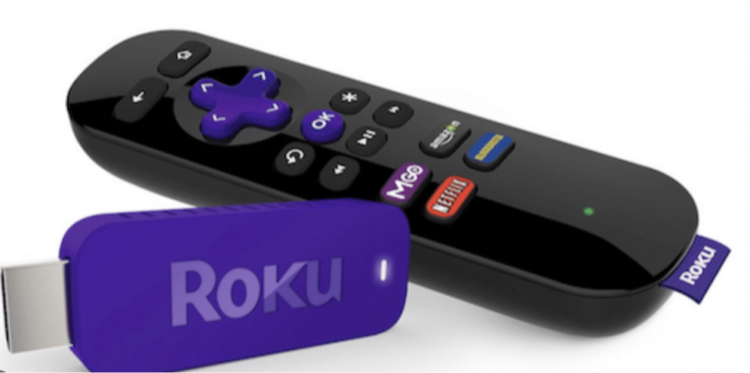
Streaming services often impose geographical restrictions due to copyright agreements. That means a show or movie available at home might disappear when you travel. Worse, platforms like Hulu or Peacock might not work at all outside the US.
A VPN solves this by masking your real IP address, giving you access to global content at home or anywhere. By connecting to a VPN server in the desired location, you can enjoy unlimited entertainment on Roku.
Here’s what a VPN can do for your streaming experience:
Unlock streaming platforms not available in your country
Bypass regional restrictions for movies and TV shows
Change your virtual location to any place worldwide
When it comes to streaming with Roku, not all VPNs are created equal. To help you find the best VPN for Roku, we tested over 15 providers based on speed, unblocking capabilities, and server network size.
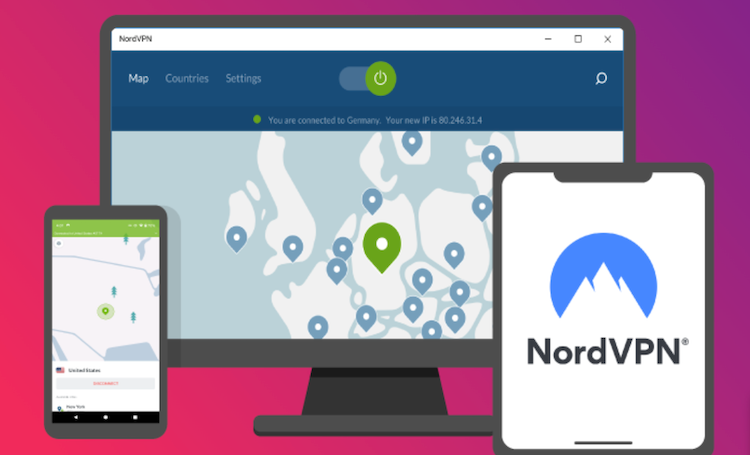
NordVPN is top of the list, offering unmatched speed and performance on Roku. During testing, its 7000+ servers allowed us to unblock numerous platforms, including Peacock, Hulu, and Netflix. Switching to NordVPN’s obfuscated servers also made bypassing VPN blocks a breeze. With its intuitive setup guide for routers, the whole process of enabling NordVPN with Roku is simple and efficient.
Pros:
High-speed servers ideal for streaming
Unblocks all major platforms
Comprehensive router setup guides
Top-notch security with obfuscation
Cons:
NordLynx protocol lacks transparency
Deal Alert: Get 73% off NordVPN plans today!
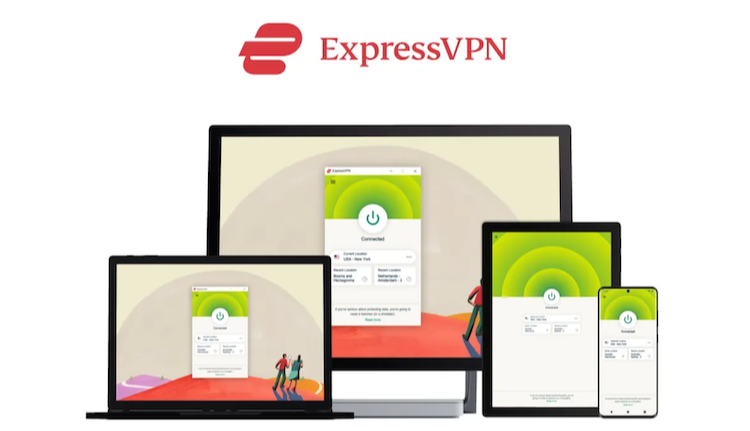
ExpressVPN makes streaming on Roku effortless with its MediaStreamer feature. Its speeds are excellent, maintaining 94% consistency during tests. The key advantage is built-in obfuscation on every server, ensuring seamless access to geo-blocked content like Hulu, BBC iPlayer, and Amazon Prime Video.
Pros:
Obfuscation included on all servers
Strong encryption and high security
Easily unblocks popular services
Cons:
Premium pricing compared to competitors
Deal Alert: Save 61% on your ExpressVPN subscription!
CyberGhost stands out with its dedicated streaming servers, customized for platforms like Roku. It boasts 11,700 servers worldwide, offering stable connections for lag-free streaming. Its beginner-friendly setup ensures simplicity regardless of your tech skills.
Pros:
Streaming-optimized servers for Roku
User-friendly interface
Extensive server network
Cons:
Lacks obfuscation options
Deal Alert: Enjoy 83% off CyberGhost now!
Looking to enhance your Roku with global streaming capabilities? A VPN is the perfect solution to bypass geographic restrictions and unlock a world of entertainment. Below, we’ve outlined the best VPNs for Roku, covering essential features to help you choose the ideal one.
| VPN | NordVPN | ExpressVPN | CyberGhost |
|---|---|---|---|
| Servers | 5000+ | Thousands | 5000+ |
| Protocols | OpenVPN, IKEv2, WireGuard | OpenVPN, IKEv2, Lightway | OpenVPN, IKEv2, WireGuard |
| Compatibilities | Netflix, HBO, Disney+, Kodi, BBC, Torrent, Gaming | Same as NordVPN | Same as NordVPN |
| Money-Back Guarantee | 30 Days | 30 Days | 45 Days |
| Price | $3.09 | $4.99 | $2.19 |
Selecting a Roku-friendly VPN can seem daunting, but focusing on these features will lead you to the best option:
Connection Speeds: Lag and buffering can ruin your streaming experience. Choose a VPN with fast servers to keep your streaming smooth and enjoyable.
Server Locations: A wide network of servers means access to more geographically restricted content.
Dedicated Streaming Features: Look for options like obfuscation tools or servers specifically optimized for streaming to easily bypass restrictions.
Ease of Installation: Since Roku doesn’t support direct VPN setup, you’ll want a VPN with robust router compatibility for seamless installation.
Roku devices don’t natively support VPNs, but don’t worry—you can still set one up in a few different ways! Here’s how:
Share your VPN connection from your computer to your Roku. It’s one of the simplest methods for beginners.
Running a VPN through your mobile device offers another easy way to stream restricted content. Android steps tend to be slightly smoother than on iOS.
A more permanent solution, but slightly technical. Setting up the VPN on your router ensures all devices, including your Roku, benefit from consistent protection.
Pro Tip: Remember that your Roku account location determines what content is available. Set up a different Roku account for each country you'd like to stream from after connecting to the relevant VPN server.
For detailed step-by-step instructions, check out our dedicated user guide for Roku VPN setup.
While tempting, free VPNs often fall short for Roku, lacking the speed and reliability needed for a top-tier streaming experience. Why?
Limited Servers lead to overcrowding and inevitable blocking by streaming services
Throttled Speeds are typical for free versions, with premium users getting priority
Data Caps severely limit streaming, generally allowing just a few hours before you hit the limit
For those serious about unlocking Roku’s full potential, a paid VPN is the way to go.
Roku makes streaming easy, and with the best VPN for Roku, the possibilities expand tenfold. Whether you're searching for ways to jailbreak a Roku TV, wondering how to get Twitch on Roku, or exploring options for a Roku internet browser, a capable VPN unlocks it all.
Based on our in-house testing, NordVPN consistently delivers stellar performance as the best VPN solution. Elevate your Roku experience today with the perfect VPN match and never miss a moment of entertainment.
Kaida Rylan is a Junior Writer specializing in VPN reviews and online security. Passionate about technology and digital privacy, Kaida has been researching and testing VPNs to provide readers with honest, in-depth insights. Kaida holds a Master’s Degree in Communications and a Bachelor’s in Media Studies. Additionally, they completed a cybersecurity certification program and gained experience working at a tech startup. Before joining the VPN industry, Kaida worked as a content creator, tech writer, and digital marketing specialist. In their free time, they enjoy exploring new cybersecurity tools and staying up to date with the latest tech trends.